
To create an Event, you have 3 options:
- Select "New Event" in the top right corner of your Tripleseat Page

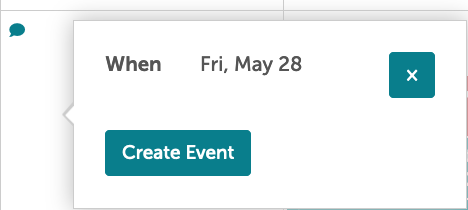
- Finding a Date on The Calendar to add an Event from there
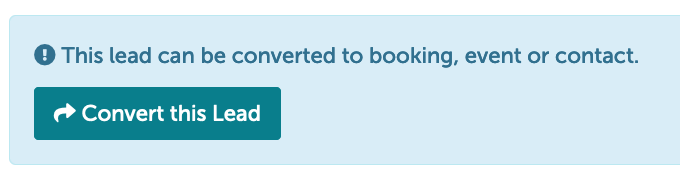
- Convert a Lead to an Event by clicking into the Lead and selecting "Convert this Lead"
Each option will bring you to the New Events Details Page: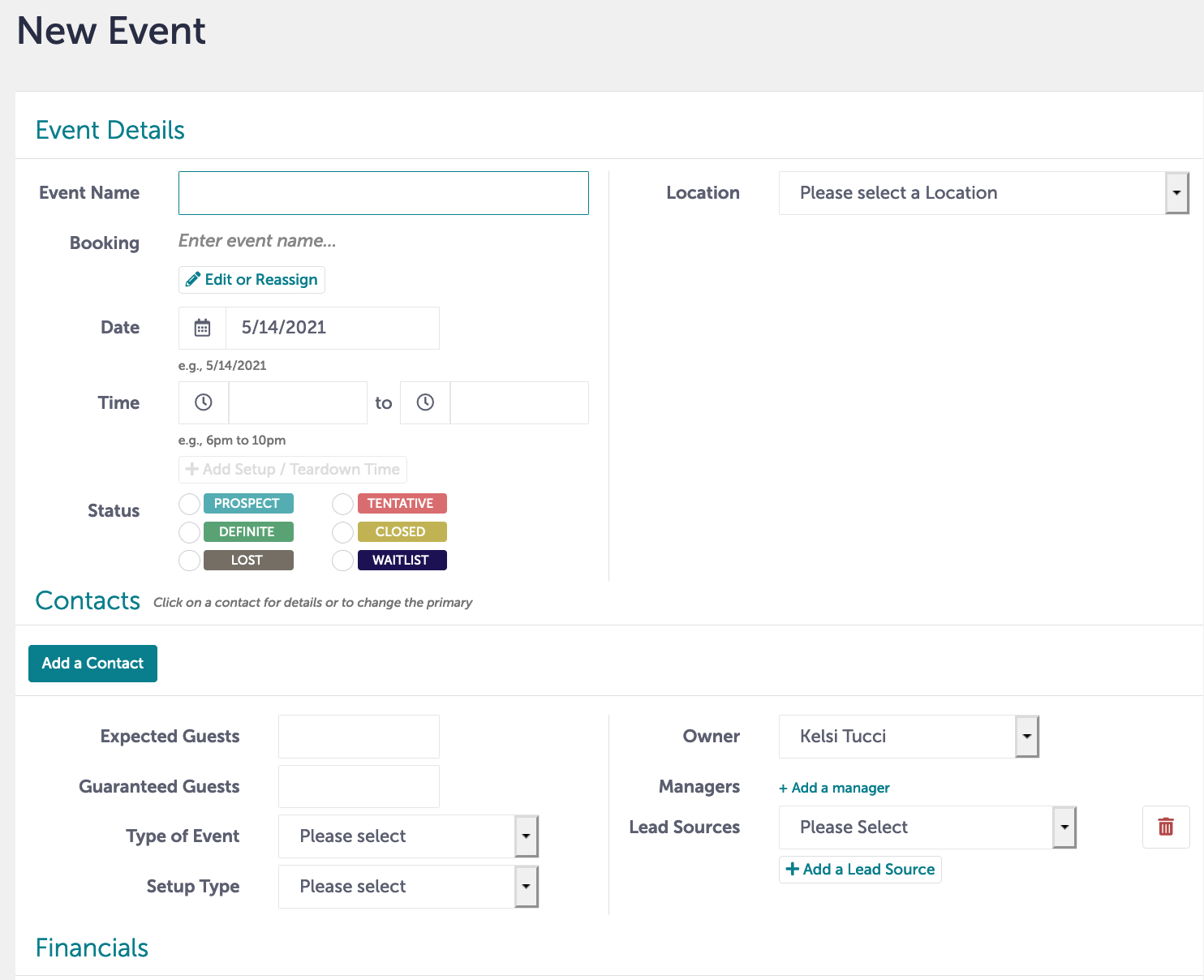
On this page, you will detail out all of the information you know at the time. For example, the Event Name, Location & Room, Date, Time, Status, Add a Contact, Expected Guest Count, Choose Type of Event, and Select Lead Source.
Please note, some fields in the Financial section will populate from your document set, so you can leave some fields blank (i.e. Amount Due, Actual, Grand total, Deposit).
Here is a quick video that shows how to create an event:
Pro Tip: If you are converting the Lead to a Contact, information will populate over from the Lead itself such as time, date, and expected guest count.
Once the Event is created, you will want to work on creating your documents!